
Introduction
In today's digital landscape, YouTube is one of the most influential platforms for content consumption and creation. With over two billion logged-in monthly users, it generates massive data, ranging from video titles, view counts, likes, and comments to channel analytics and engagement trends. This presents a wealth of information for content creators, marketers, researchers, and developers looking to analyze user behavior, trending topics, and performance metrics. YouTube Data Scraping is programmatically extracting this valuable data to derive insights, automate workflows, or feed into analytical models. One of the most efficient methods to Scrape YouTube App Data is using Python, a powerful and versatile programming language known for its ease of use and a robust ecosystem of data-handling libraries.
Reasons to Scrape YouTube App Data Using Python
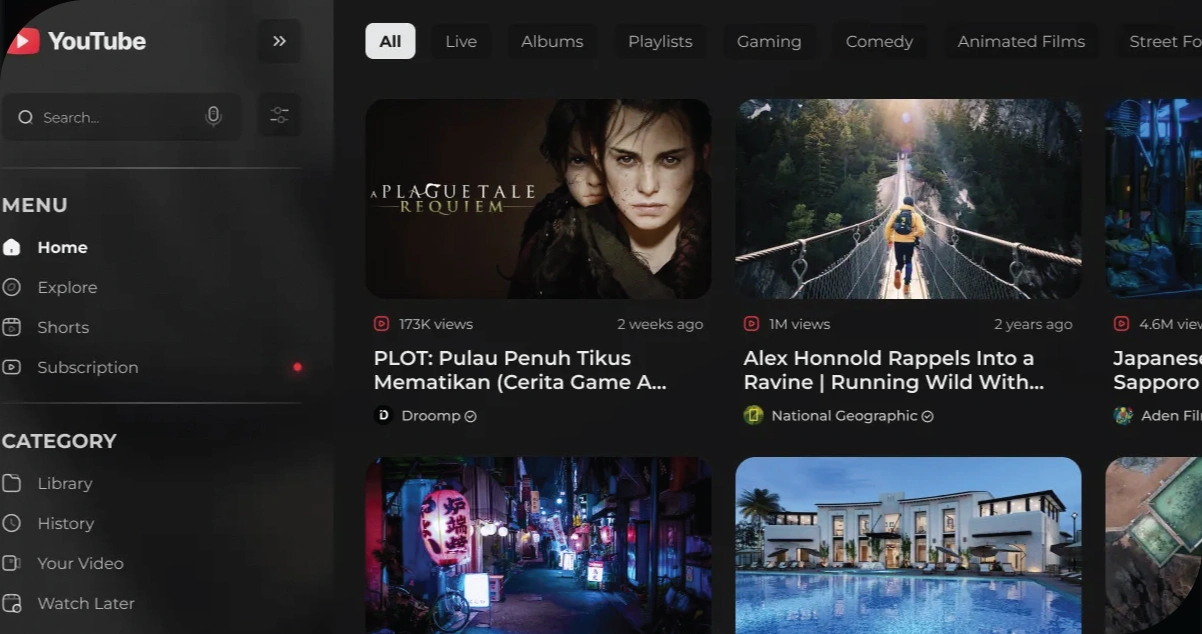
Scraping YouTube data can serve multiple purposes across different industries and research fields. Below are some compelling reasons to engage in YouTube App Data Scraping using Python:
1. Content Performance Analysis:
Creators can identify which videos perform best and why by collecting views, likes, comments, and engagement rates.
2. Competitor Benchmarking:
Brands and influencers can monitor the activity of competing channels to understand their strategies and audience responses.
3. Trend Analysis:
Real-time access to video metadata and trending topics helps marketers and developers create timely, relevant content.
4. Sentiment & Comment Analysis:
Mining user comments and applying Natural Language Processing (NLP) allows for public opinion analysis and user feedback aggregation.
5. Audience Behavior Insights:
Collecting data on video watch times, likes/dislikes, and user interactions helps understand viewing preferences and habits.
6. Academic & Market Research:
Scholars and researchers can extract large datasets to study digital behavior, media influence, or online engagement trends.
Role of Python in Scraping YouTube Data
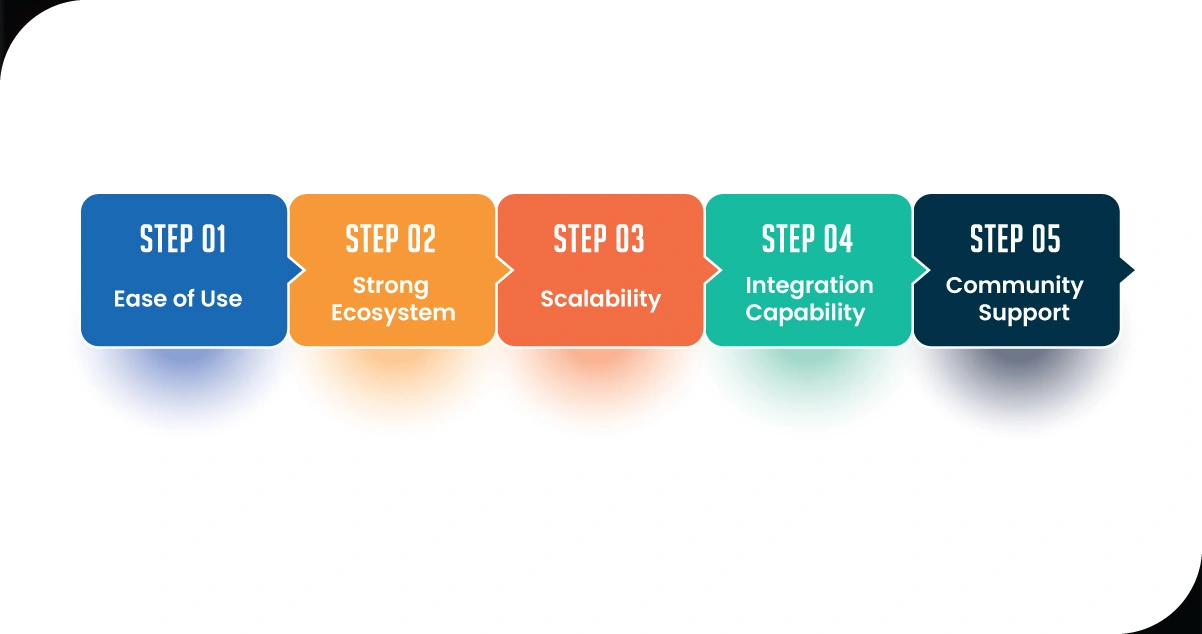
Python plays a central role in scraping YouTube due to several key factors:
- Ease of Use: Its readable syntax and comprehensive documentation make it accessible even for beginners in programming.
- Strong Ecosystem: Python offers a range of libraries for HTTP requests, web automation, and data manipulation that simplify scraping tasks.
- Scalability: Whether you're scraping a few videos or thousands, Python can handle batch operations and efficiently automate data collection.
- Integration Capability: Python integrates well with APIs, databases, and cloud platforms, making it easy to move scraped data into storage or analytics pipelines.
- Community Support: A large, active community provides support, resources, and solutions to common scraping challenges, speeding development up and smoothing it out.
Due to these capabilities, Python stands out as the language of choice for building a custom YouTube Scraper API.
Popular Tools and Libraries for YouTube Scraping
To Scrape YouTube Data effectively, Python developers rely on various open-source tools and libraries. Below is a list of some of the most commonly used ones:
YouTube Data API v3
- Official API provided by Google.
- Allows access to video metadata, playlists, comments, and more.
- Requires API key authentication and has quota limits.
pytube
- Lightweight library to download YouTube videos and metadata.
- Useful for scraping video titles, descriptions, and stream URLs.
youtube_dl (and its fork yt-dlp)
- Command-line program with Python bindings.
- Excellent for batch scraping of video data and metadata.
- Supports downloading subtitles, playlists, and channel info.
BeautifulSoup + Requests
- Common HTML parsing tools for scraping non-API data.
- Useful for extracting structured data when APIs don't suffice.
Selenium
- A browser automation tool is used to interact with dynamic pages.
- It helps you navigate YouTube's infinite scrolls and dynamically loaded comments.
Pandas & NumPy
- For cleaning, manipulating, and storing scraped data into structured formats such as CSV or Excel.
These tools are essential for building YouTube Scraping Platforms that gather and process video analytics at scale.
Step-by-Step Process to Scrape YouTube App Data Using Python
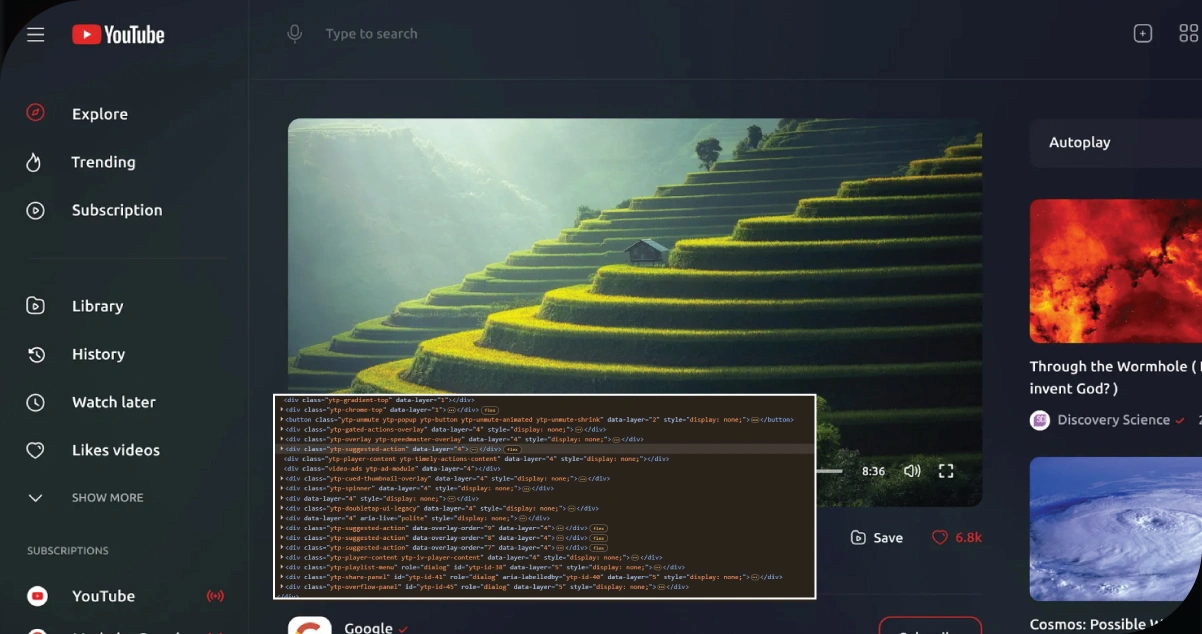
Let's walk through a simple step-by-step guide to scrape video metadata from YouTube using Python.
Step 1: Set up the Environment
Install the required libraries using pip:
pip install requests pandas google-api-python-client pytube
Step 2: Get API Access
Go to the Google Developers Console
Create a new project.
Enable YouTube Data API v3.
Create API credentials and store your API key.
Step 3: Connect to YouTube Data API
from googleapiclient.discovery import build
api_key = 'YOUR_API_KEY'
youtube = build('youtube', 'v3', developerKey=api_key)
Step 4: Search for Videos by Keyword
def search_videos(query, max_results=10):
    request = youtube.search().list(
        q=query,
        part='snippet',
        type='video',
        maxResults=max_results
    )
    response = request.execute()
    return response
Step 4: Extract Video Metadata
def extract_video_details(video_id):
    request = youtube.videos().list(
        part= "snippet,statistics",
        id=video_id
            )
    response = request.execute()
    video_data = response['items'][0]
    details = {
        'title': video_data['snippet']['title'],
        'views': video_data['statistics'].get('viewCount'),
        'likes': video_data['statistics'].get('likeCount'),
        'comments': video_data['statistics'].get('commentCount')
    }
    return details
Step 5: Store and Save Data
import pandas as pd
query = "AI Technology"
videos = search_videos(query, max_results=5)
video_list = []
for item in videos['items']:
    video_id = item['id']['videoId']
    details = extract_video_details(video_id)
    video_list.append(details)
df = pd.DataFrame(video_list)
df.to_csv('youtube_data.csv', index=False)
This simple script allows you to perform YouTube Data Scraping for any search query and store essential metadata like views, likes, and comments in a CSV format.
Handling Challenges in YouTube Data Scraping
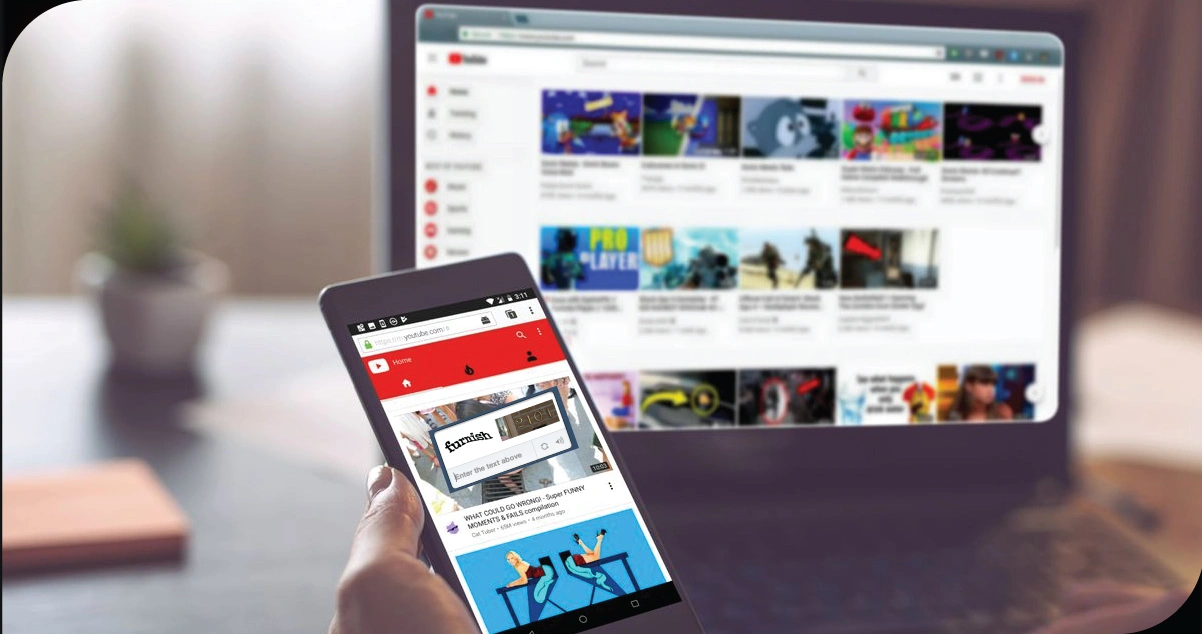
Scraping YouTube data isn't without its challenges:
1. API Quotas:
The YouTube API has a daily quota limit. Efficient usage and caching are key to managing requests.
2. Rate Limits:
Avoid overloading servers with requests; include delays or exponential backoff strategies.
3. CAPTCHA and Bot Detection:
Using tools like Selenium, YouTube may detect bot-like behavior, requiring CAPTCHA solutions.
4. Data Freshness:
Due to caching and load-balancing strategies, the app interface may not always reflect real-time data.
5. Changes in API Structure:
APIs and site structures change, so ongoing maintenance is necessary.
Using automation smartly and ethically ensures your YouTube App Data Scraping remains sustainable.
How OTT Scrape Can Help You?
1. Custom OTT Scraping Infrastructure:
We have built scalable, modular scraping frameworks tailored to major OTT platforms like Netflix, Disney+, Amazon Prime, and Hulu. Our systems handle dynamic content, infinite scroll, and region-specific catalogs with precision.
2. Advanced Parsing & Metadata Extraction:
Our scraping tools extract structured metadata—such as genres, ratings, cast, languages, episode lists, and subtitles—ensuring high-quality datasets that power analytics, recommendation engines, and market research.
3. Multi-Platform Compatibility:
Whether web interfaces, mobile apps, or Smart TV versions, we specialize in scraping OTT data across platforms using techniques like browser automation, mobile emulator scripting, and API reverse engineering.
4. Real-Time Monitoring & Trend Tracking:
Our solutions are designed to monitor OTT content updates in real-time, enabling clients to track new releases, trending titles, and regional content changes as they happen.
5. Ethical Compliance & Data Accuracy:
We follow best practices in responsible scraping, maintain high data accuracy through validation routines, and ensure all collected OTT data supports legal and ethical use in business intelligence and product development.
Conclusion
Python provides an exceptional environment for scraping YouTube data efficiently and at scale. Whether you're a content creator seeking performance insights, a marketer analyzing trends, or a researcher studying video engagement, Python's ecosystem of libraries like pytube, youtube_dl, and google-api-python-client allows you to automate the entire pipeline. With the rise in demand for video-based analytics, the ability to build a custom YouTube Scraper API or integrate scraping into your data workflow has become a valuable skill.
As YouTube continues to grow in popularity, staying ahead by leveraging YouTube Scraping Platforms can offer unparalleled advantages in content strategy, influencer marketing, and audience analytics. However, it's essential to remain compliant with YouTube's terms of service and use scraping techniques responsibly.
Mastering YouTube App Data Scraping using Python opens up a powerful avenue to explore data-driven insights from the world's leading video platform.
Embrace the potential of OTT Scrape to unlock these insights and stay ahead in the competitive world of streaming!
Our office info
60 Paya Lebar Rd, #11-22 Paya Lebar Square PMB 1010 Singapore 409051