

Introduction
As streaming services center stage in global entertainment, Netflix is a treasure trove of valuable insights for developers, analysts, and researchers. With ever-changing catalogs, trending shows, regional restrictions, and diverse genre preferences, the data within Netflix holds immense potential for content strategy, market research, and user behavior analysis. However, this data is buried beneath layers of JavaScript-heavy web interfaces, which traditional scraping tools can't easily penetrate. That's where a robust solution like a Netflix Scraper comes into play.
In this blog, we walk you through how to Scrape Netflix data Python using a scalable and efficient approach. By harnessing the orchestration capabilities of Python and combining them with the dynamic rendering power of Puppeteer, we demonstrate a hybrid scraping solution that can extract critical metadata from Netflix in real-time. Whether you're building a trend analysis engine or content comparator, this technique will equip you with the tools.
Why Use Puppeteer for Netflix Scraping?
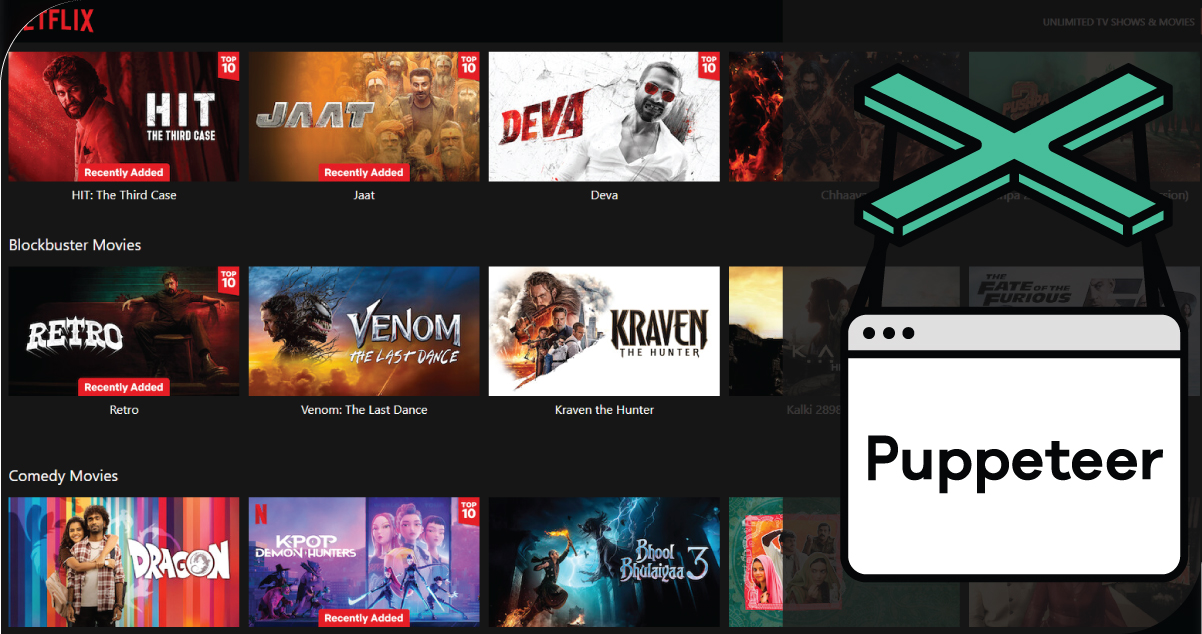
Netflix's web interface is powered by JavaScript-heavy dynamic content, making it difficult to scrape using traditional Python libraries like requests or BeautifulSoup. This is where Puppeteer, a headless Chrome automation tool, shines. It can:
- Render dynamic pages.
- Wait for specific DOM elements to load.
- Simulate user interactions (clicks, scrolls, etc.).
- Capture screenshots and responses.
By combining Puppeteer with Python orchestration via libraries like pyppeteer or subprocess, we can design a system that is both scalable and flexible.
System Requirements

To follow along, make sure you have the following installed:
- Python 3.7+
- Node.js and npm
- Puppeteer (Node-based)
- Optional: pyppeteer, asyncio, pandas, multiprocessing, schedule
Architecture Overview
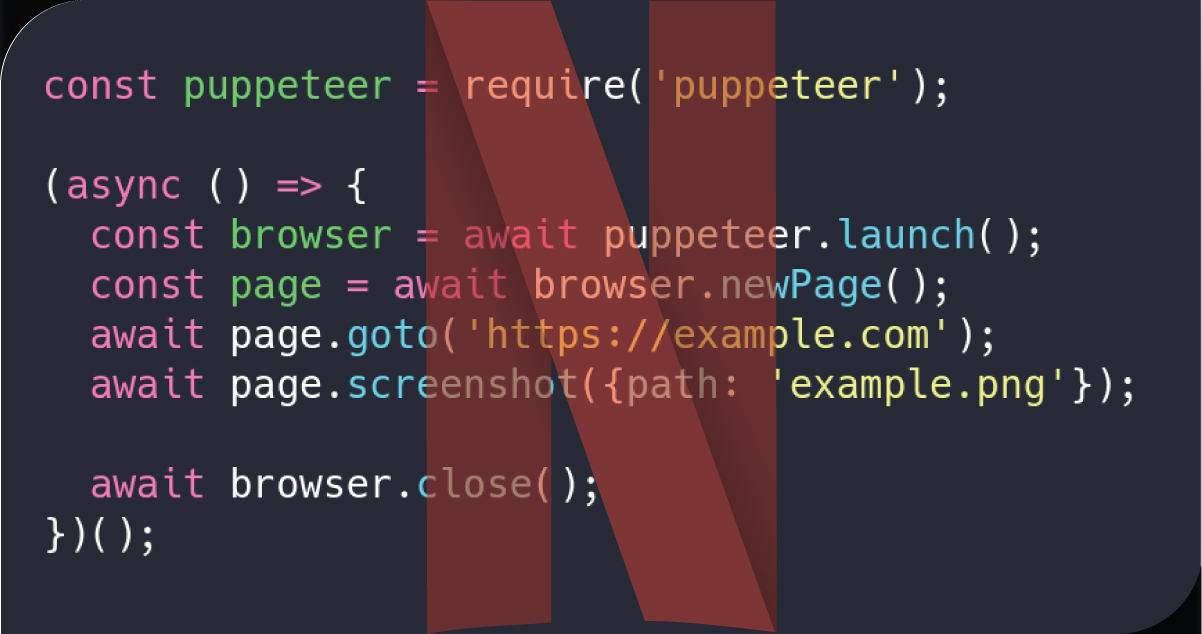
Here's a high-level architecture of how a scalable Netflix scraper would work:
1. Python Controller Layer
Orchestrates scraping tasks handle scheduling and distributes workload across parallel Puppeteer processes.
2. Node.js Puppeteer Scripts
Headless Chrome sessions extract data from Netflix's front end.
3. Task Queue & Output Handler
Manages URLs to scrape, retry, and data storage (CSV, JSON, or DB).
4. Scalability via Multiprocessing or Docker
Launches multiple scraping sessions in parallel for efficiency.
Step-by-Step Guide to Build It
Step 1: Set Up Puppeteer Script (Node.js)
Create a file named scrapeNetflix.js:
const puppeteer = require('puppeteer');
(async () => {
  const url = process.argv[2];
  const browser = await puppeteer.launch({ headless: true });
  const page = await browser.newPage();
  await page.goto(url, { waitUntil: 'networkidle2' });
  const data = await page.evaluate(() => {
    const title = document.querySelector('h1')?.innerText || '';
    const description = document.querySelector('.previewModal--detailsMetadata-left')?.innerText || '';
    const genre = Array.from(document.querySelectorAll('.previewModal--tags > span')).map(el => el.innerText);
    return { title, description, genre };
  });
  console.log(JSON.stringify(data));
  await browser.close();
})();
This script launches a headless Chrome session, navigates to a Netflix title URL, and extracts the title, description, and genre.
Step 2: Python Wrapper to Trigger Puppeteer
Now, create netflix_scraper.py in Python:
import subprocess
import json
def scrape_netflix_url(url):
    try:
        result = subprocess.run(
            ['node', 'scrapeNetflix.js', url],
            stdout=subprocess.PIPE,
            stderr=subprocess.PIPE,
            text=True
        )
        if result.returncode == 0:
            return json.loads(result.stdout)
        else:
            print("Error: ", result.stderr)
            return None
    except Exception as e:
        print(f"Exception during scraping: {e}")
        return None
# Example usage
url = 'https://www.netflix.com/title/80192098'  # Replace with actual title URL
data = scrape_netflix_url(url)
print(data)
This Python script triggers the Node.js Puppeteer process, allowing for tight integration with other Python-based workflows.
Step 3: Add Parallel Scraping
To make the scraper scalable, use Python's multiprocessing to scrape multiple Netflix titles concurrently.
from multiprocessing import Pool
urls = [
    'https://www.netflix.com/title/80192098',
    'https://www.netflix.com/title/81040344',
    # add more Netflix URLs here
]
def process_url(url):
    return scrape_netflix_url(url)
if __name__ == '__main__':
    with Pool(5) as pool:  # Adjust the pool size based on system capacity
        results = pool.map(process_url, urls)
    for result in results:
        print(result)
This allows the system to launch 5 Puppeteer browser sessions in parallel, significantly speeding up the data extraction.
Step 4: Save Output to CSV or JSON
To store the data in a usable format, you can save it to CSV using pandas.
import pandas as pd
df = pd.DataFrame(results)
df.to_csv('netflix_titles.csv', index=False)
Step 5: Automate and Schedule
For continuous or scheduled scraping (e.g., daily updates), use the schedule library:
import schedule
import time
def job():
    # call scraping pipeline here
    print("Running scheduled scrape...")
    # Add scrape logic
schedule.every().day.at("02:00").do(job)
while True:
    schedule.run_pending()
    time.sleep(60)
Scaling Up Further

Once the basic version works, you can improve scalability and stability through the following methods:
1. Dockerize Puppeteer
Run each Puppeteer instance in a separate Docker container to isolate sessions, manage memory, and run across multiple machines.
2. Use Headless Browser Clusters
Libraries like puppeteer-cluster allow you to manage concurrent browser sessions efficiently.
3. Proxy and User-Agent Rotation
Netflix blocks bots aggressively. To minimize detection:
- Rotate user-agent headers.
- Use residential proxies.
- Simulate real browser interactions (delays, scrolls, mouse movements).
4. Retry Mechanism and Logging
Use logging and retries to handle failed pages:
for attempt in range(3):
    data = scrape_netflix_url(url)
    if data:
        break
Data Points You Can Extract
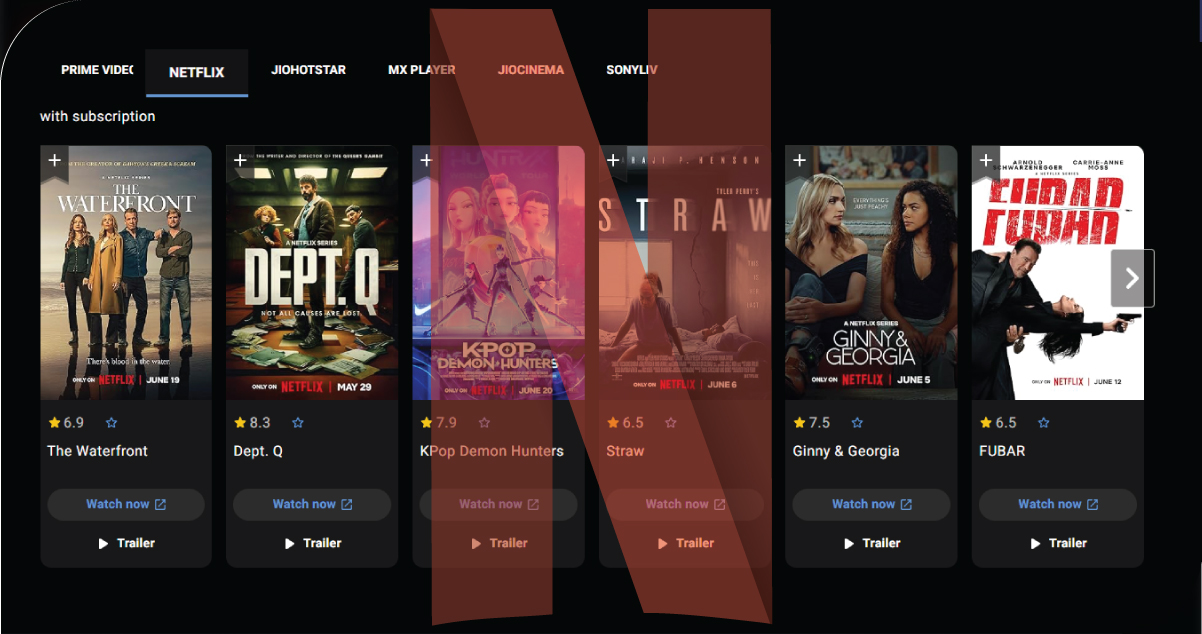
While this example focuses on basic data, you can extend it to capture:
- Movie ratings (if visible)
- Cast & Crew
- Release year
- Watch availability by region (with VPNs)
- Episode lists (for series)
- Tags and recommendations
Example Use Cases

Here's how different industries might use a Netflix scraper:
Media Analysts – With the help of a Netflix Scraper for USA, media analysts can dive deep into genre-wise content distribution, viewer engagement patterns, and binge-watching trends. Analysts can forecast viewer preferences and shifts in entertainment consumption across different states or demographics by examining how often specific genres appear and which shows dominate Netflix's trending charts.
Production Companies – Netflix Scraping with Python enables production studios to evaluate the success metrics of competitors' shows across various regions. By mapping original content's regional availability and release timelines, they can benchmark strategic decisions, identify content gaps, and align their pipeline with proven audience interests.
Academic Researchers – Scholars focusing on media studies, globalization, or linguistics can Scrape Netflix Data to analyze localization trends, subtitle language availability, dubbing strategies, and regional content exclusivity. This data supports deep research into how streaming services adapt globally.
Marketers – Scraping Netflix Data allows brand strategists to uncover what type of content resonates with specific audiences. By identifying trending genres and popular keywords, marketers can align their ad messaging and product placement strategies with cultural trends amplified by Netflix content.
How OTT Scrape Can Help You?
1. Demand for Hyper-Personalized Insights: As content competition intensifies, media firms rely on our scraping services to uncover niche trends and viewer preferences across OTT platforms—fueling smarter personalization.
2. Unlocking Competitive Intelligence: Streaming companies and studios use our data to benchmark rival content drops, promotional cycles, and geographic penetration—making strategic planning more agile.
3. Fueling Content Recommendation Engines: Tech companies turn to our clean, structured OTT data to enhance their algorithms for smarter and more relevant content recommendations on third-party platforms.
4. Academic and Policy Research Support: Our services provide rich metadata on subtitle availability, content diversity, and regional access—supporting global research on media access and cultural representation.
5. No-Code Integrations for Fast Deployment: With plug-and-play APIs and no-code dashboard options, our scraping solutions are being adopted rapidly, even by non-technical teams across industries.
Final Thoughts
Building a scalable Netflix scraper with Python and Puppeteer combines the best of both worlds: Python's robust data handling and automation capabilities with Puppeteer's strength in rendering and interacting with dynamic web content. This hybrid architecture provides unmatched flexibility, granular control, and the ability to scale scraping operations efficiently as data demands grow.
By architecting your solution with a clear separation between scraping, orchestration, and storage layers, you create a modular system that's easy to maintain, test, and expand. This structure also allows for smoother integration with analytics pipelines or dashboards.
Whether you're extracting titles, descriptions, categories, or trending data, the goal is to build an innovative, reliable infrastructure that adapts to changing UI patterns on streaming platforms. And with Netflix Platforms Data Services becoming increasingly valuable, such a setup can power rich insights across industries. Always ensure responsible use and respect legal and ethical guidelines while collecting data.
Embrace the potential of OTT Scrape to unlock these insights and stay ahead in the competitive world of streaming!
Our office info
60 Paya Lebar Rd, #11-22 Paya Lebar Square PMB 1010 Singapore 409051